
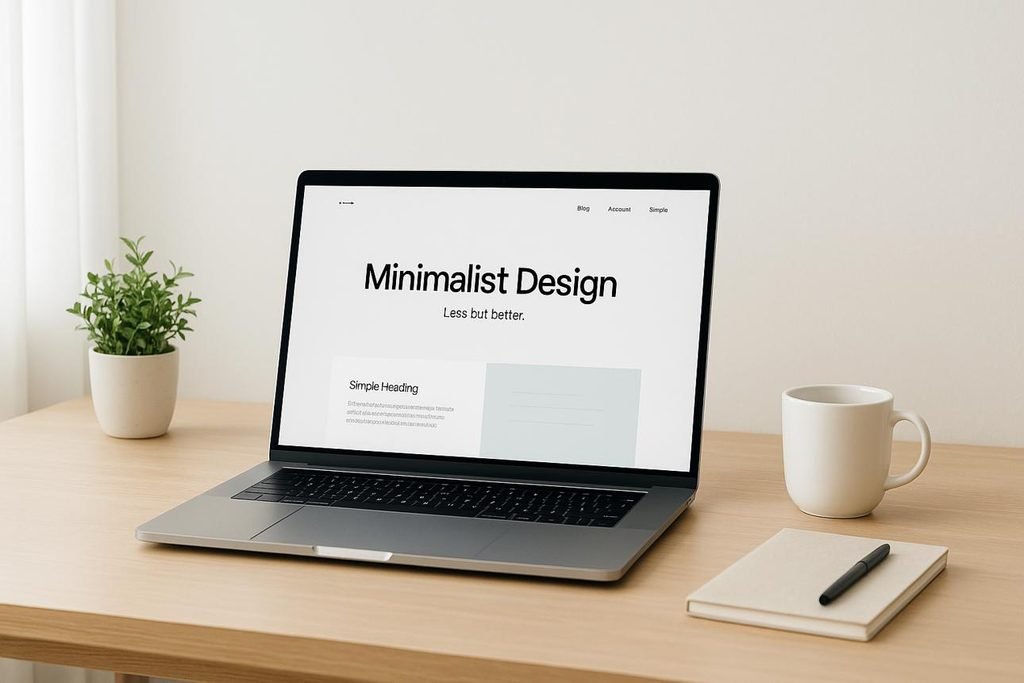
Making your website more effective in 2026 is about more than having an attractive design. A useful website should load quickly, work smoothly on mobile devices, provide clear information, and help visitors find what they need. Whether you run a business website, a blog, or a personal portfolio, a few practical improvements can make the browsing experience better.
In this guide, you will learn seven simple ways to improve website performance, usability, content, and overall user experience.
1. Keep Your Website Design Simple
A clean design helps visitors focus on what matters. Too many colours, animations, pop-ups, or unnecessary elements can make a website difficult to use.
Use clear headings, readable fonts, enough spacing, and a consistent layout. Every section should have a purpose.
2. Make Your Website Mobile-Friendly

Many people browse websites on their phones. If text is too small, buttons are difficult to tap, or content extends beyond the screen, visitors may leave.
Check how your website looks on different screen sizes. Make sure menus, images, forms, and buttons work properly on mobile devices.
3. Improve Website Loading Speed
People expect websites to load quickly. Slow pages can interrupt the browsing experience and cause visitors to leave before reading the content.
Compress large images, remove unnecessary plugins, reduce heavy animations, and use reliable hosting. Tools such as Google PageSpeed Insights can help identify performance issues.
4. Write Clear and Useful Content
Visitors should understand what a page is about within a few seconds. Avoid confusing language and long paragraphs that make information difficult to scan.
Use descriptive headings, short paragraphs, bullet points, and straightforward explanations. Focus on answering the questions visitors are most likely to have.
5. Make Navigation Easy
A website should help people find information without making them search everywhere.
Keep the main menu organised and use clear labels such as Home, About, Blog, and Contact where appropriate. Important information should be easy to reach, ideally within a few clicks.
6. Build Trust Through Transparency
Visitors are more comfortable using a website when its information feels clear and reliable.
Keep contact details accurate, explain important policies, use genuine testimonials where available, and avoid exaggerated claims. Make sure links work and information stays up to date.
Trust grows when a website provides honest information and delivers a consistent experience.
7. Review Your Website Regularly
A website needs ongoing attention. Outdated information, broken links, missing images, and errors can affect how people use it.
Review important pages periodically. Check your website analytics to understand which pages people visit, how they navigate the site, and where they tend to leave. Use those insights to make improvements.
Why Make Your Website More Effective?
A website should do more than look good. It should make information easy to find and give visitors a smooth experience. When you make your website more effective, you help people understand your content, navigate between pages, and take the next step without unnecessary confusion.
Start by reviewing your website from a visitor’s perspective. Check whether the main menu is easy to understand, the text is readable, and important information is visible. Test your pages on both desktop and mobile devices.
You should also review loading speed, broken links, outdated information, and confusing forms. Fixing small problems can make a noticeable difference to usability. Remember that a website improvement should solve a real problem for visitors, not simply add another design feature.
Final Thoughts
An effective website does not need complicated features or a flashy design. It needs to be clear, fast, accessible, trustworthy, and easy to navigate.
Small improvements can make a meaningful difference to the visitor experience. Start by identifying one problem on your website, fix it, and continue improving step by step.